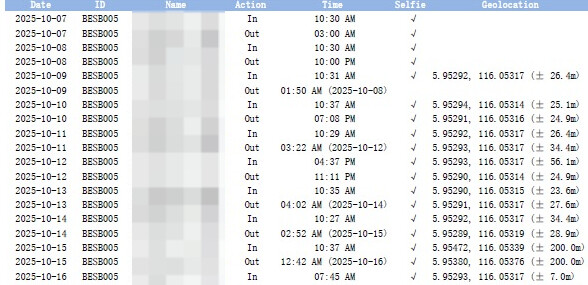
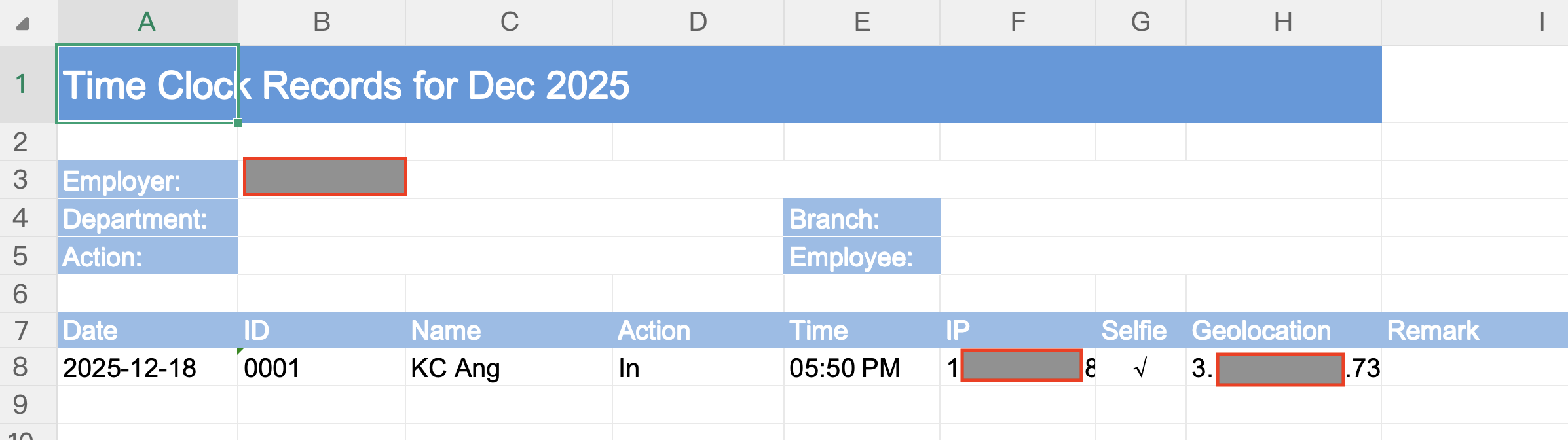
May I know how can I custom the information of our monthly attendance report? Because we found that this month report is slightly different than previous month. It do looked more simplify, but at the same time we found that the geological location is missing, in which we find it hard to locate each of our employees clock in/out location.
Our Attendance Report looked like this in Oct’25, which including the geolocation coordinates in the report, there’s 2 rows for each day attendance, including selfie indicator and etc.
However, it became to below format when we retrieve our Nov’25 attendance report, in which the geolocation coordinates has disappear.